17 Geographic Object-Based Image Analysis (GEOBIA)
17.1 Topics Covered
- Generate image objects
- Calculate summary metrics for image objects
- Calculate textural measures using the gray-level co-occurrence matrix (GLCM)
17.2 Introduction
This short chapter steps through a workflow for implementing geographic object-based image analysis (GEOBIA) using R. First, we generate image objects using a segmentation algorithm. Next, we summarize metrics for each object. Once objects and associated metrics are created, they can be used as the unit of analysis for subsequent processes. For example, the objects could be classified into land cover categories using machine learning methods.
The tidyverse is loaded for general data handling while tmap is used for data visualization and terra is used for handling geospatial raster data. We use the supercells package for segmenting input raster data into objects and exactextractr for data summarization. Textural measures from the gray-level co-occurrence matrix (GLCM) after Haralick are calculated using the GLCMTextures package.
We use the supercells package here since it provides excellent segmentation results, is easy to implement, and is native to R. Other segmentation algorithms can be ran by linking R to other tools. For example, the OTBSegm package allows for running segmentation algorithms made available by Orfeo Toolbox via an R interface. The whitebox package allows for running segmentation algorithms implemented by Whitebox.
17.3 Create Image Objects
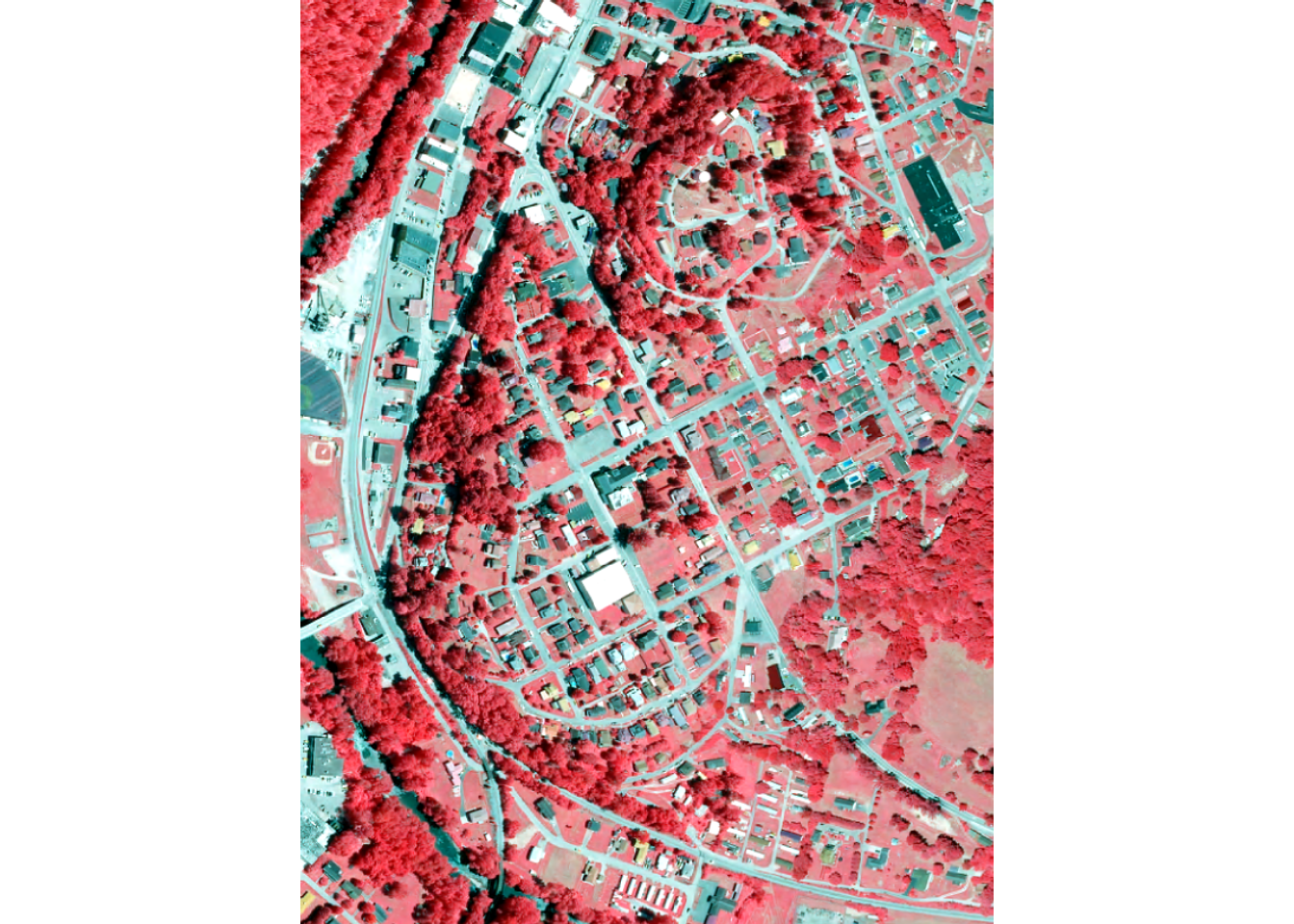
First, we load in an example image, a subset of four band aerial orthophotography provided by the United States Department of Agriculture (USDA) National Agriculture Imagery Program (NAIP) for the area around Madison, West Virginia, USA. The data include a fifth alpha channel, which we remove. We also rename the image bands. The data has a 0.6 m spatial resolution and the digital number values are scaled from 0 to 255 (8-bit). Lastly, we plot the data using terra.
class       : SpatRaster
size        : 1670, 1252, 4  (nrow, ncol, nlyr)
resolution  : 0.6, 0.6  (x, y)
extent      : 427665.2, 428416.4, 4212316, 4213318  (xmin, xmax, ymin, ymax)
coord. ref. : NAD83 / UTM zone 17N (EPSG:26917)
source      : madison.tif
names       : red, green, blue, nir
min values  :  42,    57,   34,  38
max values  : 255,   255,  255, 255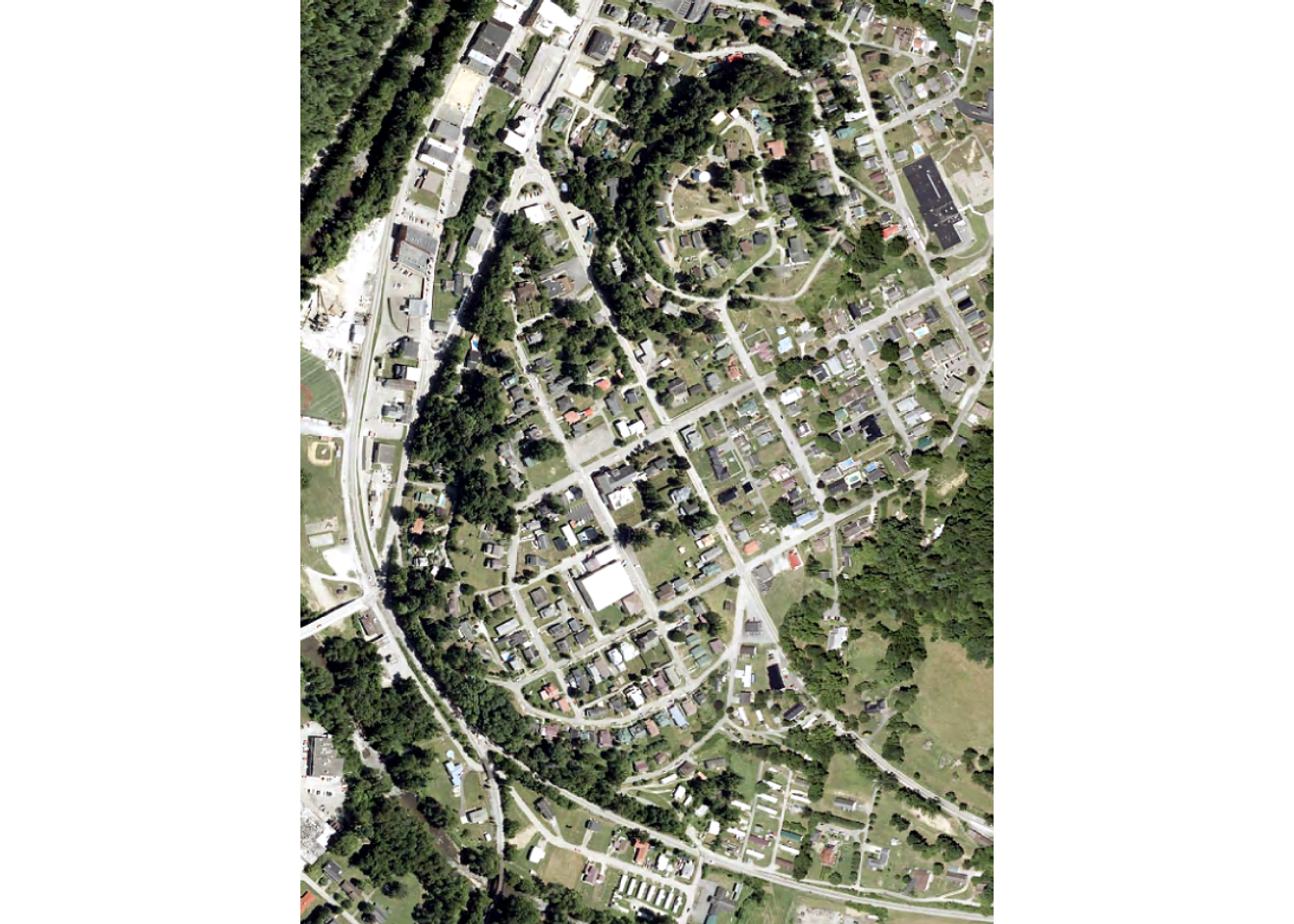
The sc_slic() function from supercells is used to perform the image segmentation. It implements the SLIC algorithm after Achanta et al. (2012). This algorithm divides an image into compact, roughly equal-sized superpixels using a modified k-means clustering algorithm. Each pixel is represented as a five-dimensional vector of color values and image coordinates. K cluster centers are placed on a regular grid with spacing S = √(N/K), where N is the number of pixels. Each center is then shifted to the lowest-gradient position in its 3×3 neighborhood so that seeds don’t sit on edges or noisy pixels. In each iteration, every pixel is assigned to the nearest center within a local 2S×2S search window. Distance is a weighted combination of color difference and spatial distance, normalized by S. A compactness parameter m sets the balance between following image boundaries and producing regular shapes. Each center is then recomputed as the mean vector of the pixels assigned to it, and the process repeats until the centers stabilize (typically about 10 iterations). A final post-processing step merges small disconnected fragments into neighboring superpixels so that every superpixel is a single connected region. Because each pixel is compared with only a few nearby centers, the algorithm runs in O(N) time regardless of the number of superpixels. This makes it faster and more memory-efficient than earlier superpixel methods while matching or exceeding them in boundary adherence.
The step parameter impacts the size of the generated image objects. Larger values generally result in larger objects on average. The compactness parameter controls how compact the resulting objects are. Larger values generally result in more compact objects. The user can set additional parameters including the distance function used, minimum size of objects, and number of iterations used. Documentation is available here. Although the package provides tools for tuning some of the parameters, here we rely on a manual, trial-and-error method. We also only return the geometry information since we will calculate summary metrics as a later step.
Although we are using image data here, it is possible to use a variety of raster grids as input to the segmentation process. For example, we could use topographic variables, synthetic aperture radar (SAR) backscatter, or a combination of variables. It is even possible to use categorical data.
Once the segmentation process is complete, we plot the resulting objects over the input image using tmap.
tm_shape(naip) +
  tm_rgb() +
  tm_shape(obj) +
  tm_borders(col = "yellow", lwd = .5)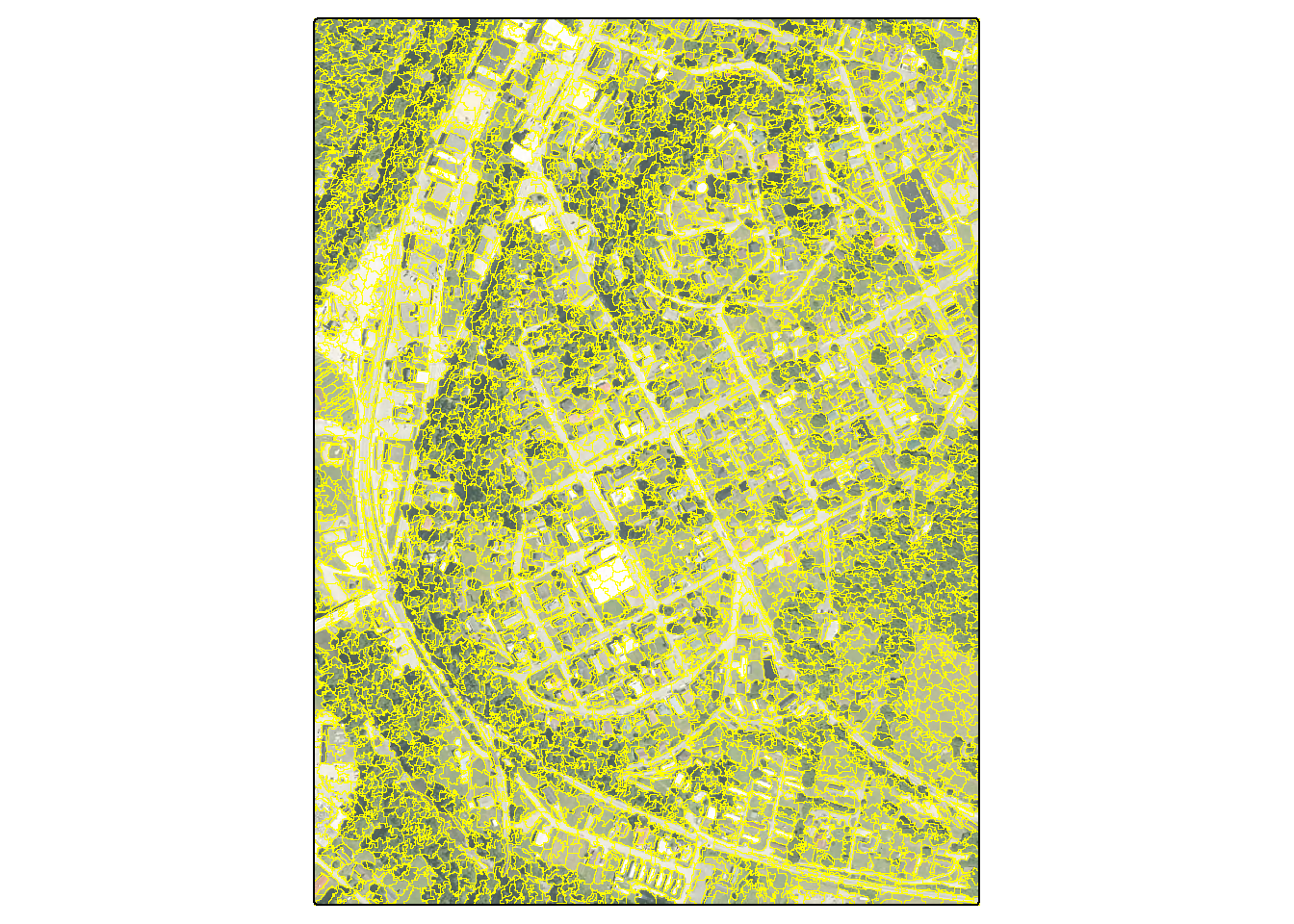
17.4 Summarize Data by Object
Once objects are obtained, we can summarize raster data relative to the them. We accomplish this using the exact_extract() function from the exactextractr R package, which is fast and efficient. We specifically extract the mean, median, and standard deviation for all of the input bands. We then visualize the objects using the mean color values within the object to define an RGB color value. Lastly, we show the standard deviation of the green channel.
It is possible to summarize other datasets relative to the image objects; you are not limited to just the bands used during the segmentation process. You can also perform other types of summarizations relative to image objects, such as counting points from a point cloud or getting summary metrics from points in a point cloud occurring within an object.
objWithVars <- bind_cols(obj, exact_extract(naip,
                                            obj,
                                            c("mean", "median", "stdev"),
                                            progress=FALSE) |>
  mutate(colVal = rgb(median.red/255,
                      median.green/255,
median.blue/255)))tm_shape(objWithVars) +
tm_polygons(fill = "colVal",
fill.scale = tm_scale_asis(),
fill.legend = tm_legend_hide())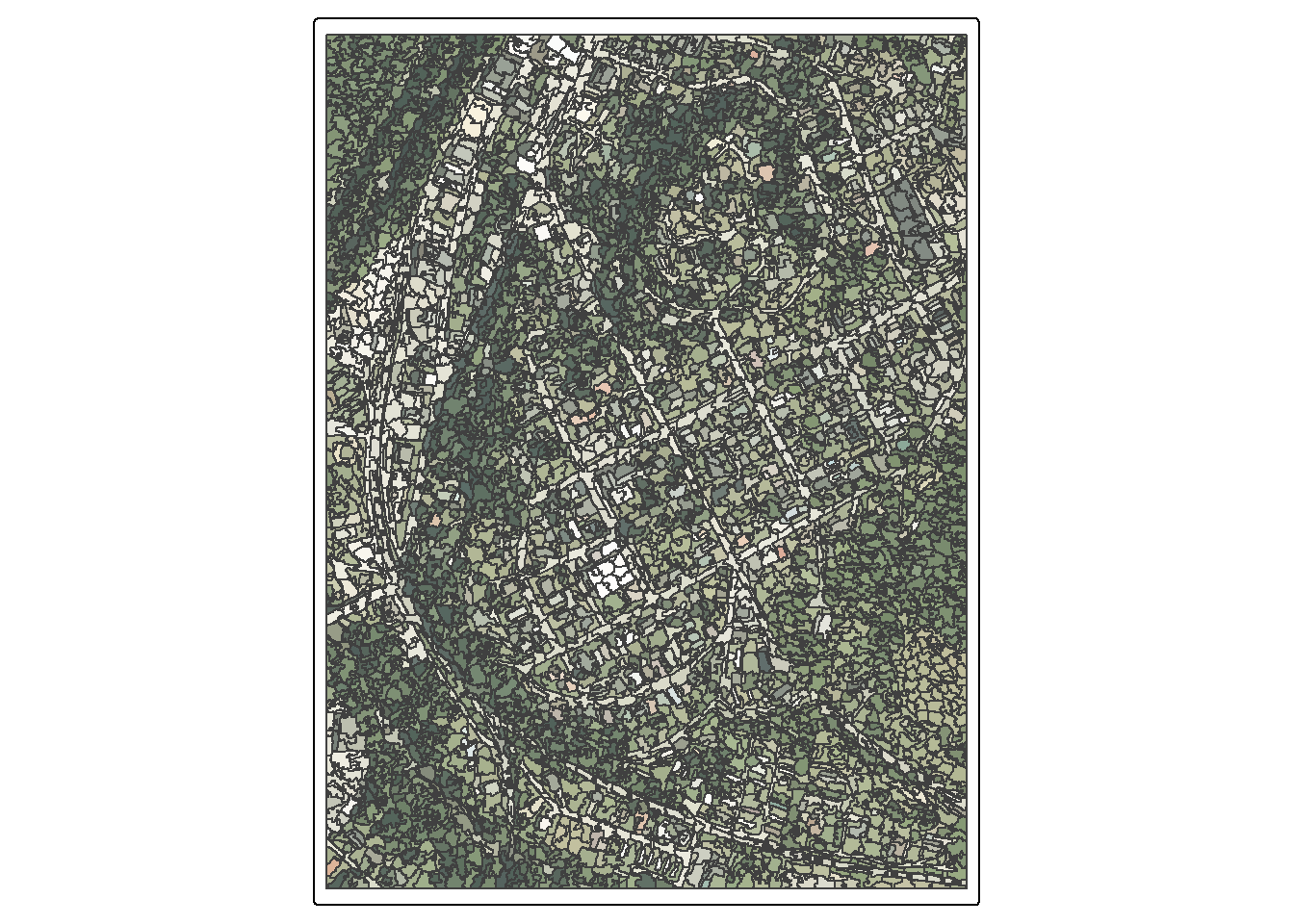
tm_shape(objWithVars) +
  tm_polygons(fill = "stdev.green",
              fill.scale = tm_scale_continuous(values="brewer.reds"))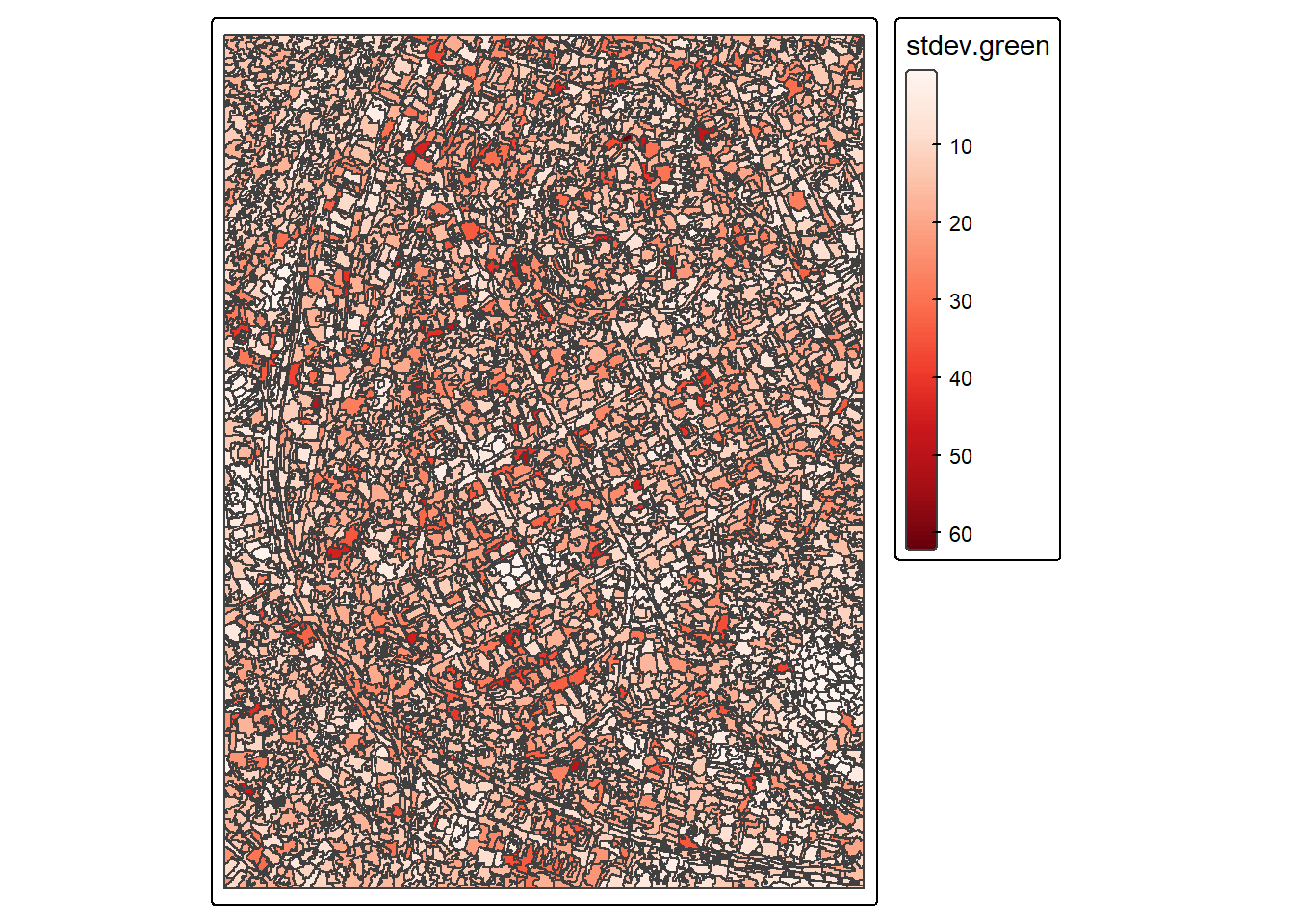
17.5 GLCM Texture Measures
The GLCMTextures package allows for calculating textural measures from the gray-level co-occurrence matrix (GLCM). A summary of the metrics that can be calculated are provided here. It is possible to calculate measures of contrast (contrast, dissimilarity, and homogeneity), orderliness (angular second moment and entropy), and descriptive statistics (mean, variance, and correlation). You can specify the size of the moving window used in the calculations, the number of gray levels to use in the quantization (usually 16 or 32), quantization method, orientations to use in the calculations, and metrics to calculate. The generated metrics are returned as a spatRaster object.
In our example, we take an average of the four image bands since the textural measures must be calculated from a single channel. We use a 5x5 window, a quantization of 16 using the range method, and 4 orientations to calculate 8 metrics. We then plot the homogeneity metric.
#View texture results
tm_shape(tex) +
  tm_raster(col ="glcm_homogeneity",
            col.scale = tm_scale_continuous(values="tableau.purple"))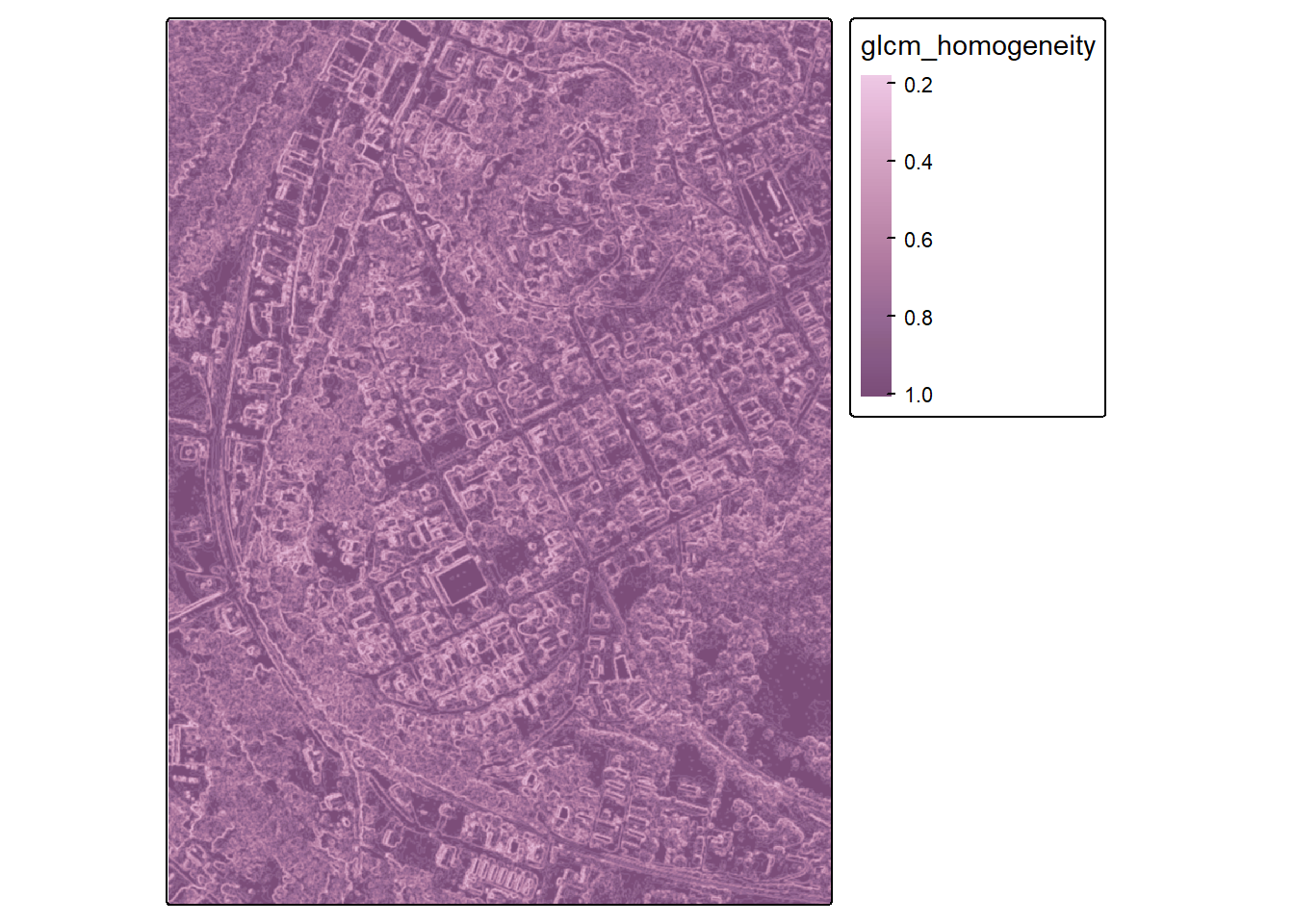
Once the GLCM textural metrics are calculated as raster grids, they can be summarized relative to the image objects using the same method as the original image bands. Below, we summarize the textural measures per object using the mean of the pixel values within the object. We then plot the results for the variance measure.
#Add means of textural measures to each object
objWithVars <- bind_cols(objWithVars,
                         exact_extract(tex,
                                       obj,
                                       c("mean"),
                                       progress=FALSE))
#View texture results by object
tm_shape(objWithVars) +
tm_polygons(fill = "mean.glcm_variance",
fill.scale = tm_scale_continuous(values="brewer.reds"))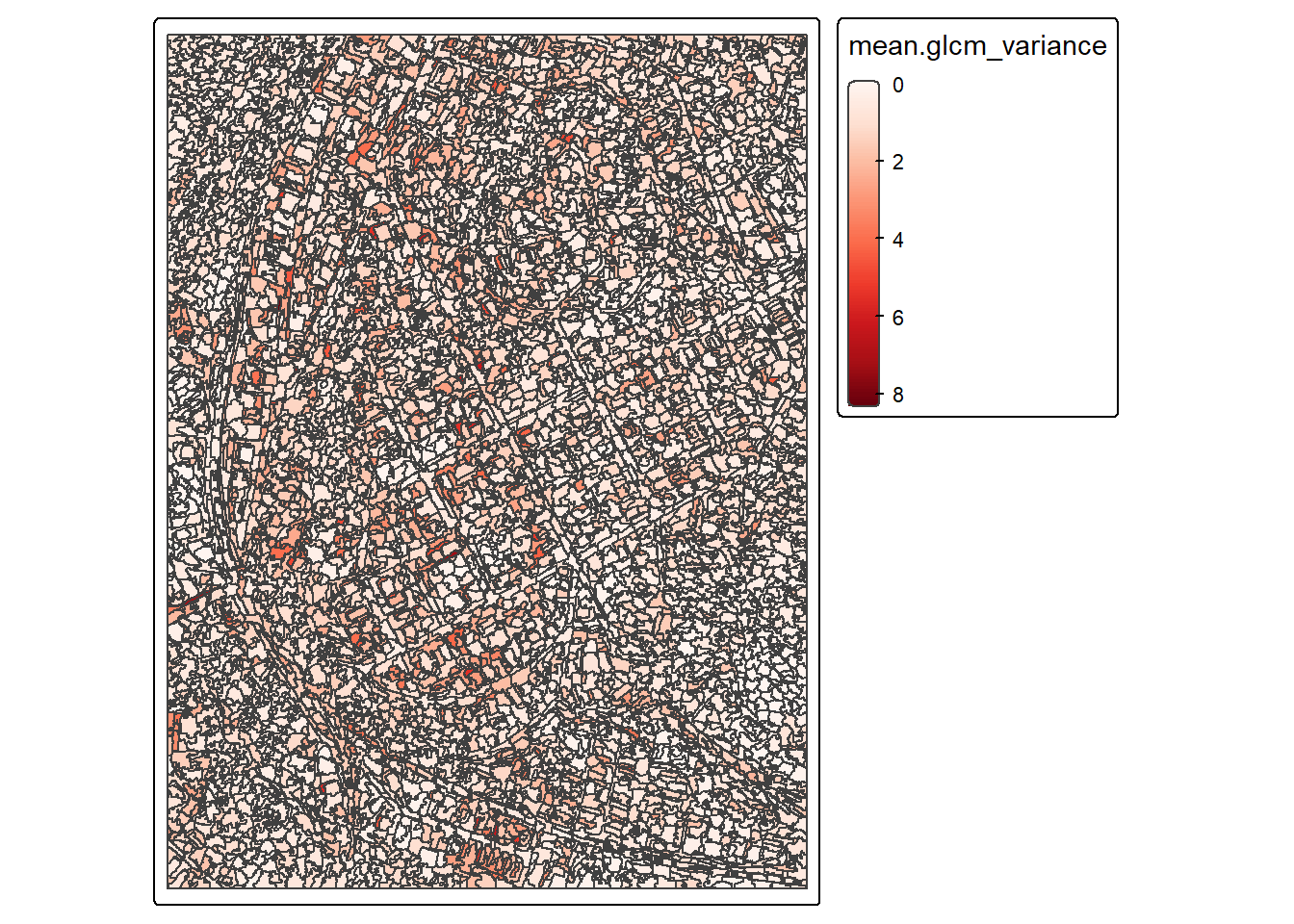
17.6 Concluding Remarks
Once image objects are generated and summary metrics are calculated, the data can be used as units and a feature space for further analysis. For example, a subset of the image objects could be manually labeled to categories, split into subsets, then used to train and validate a machine learning model to differentiate the classes of interest. Supervised learning methods, such as these, are discussed in our Geospatial Supervised Learning using R text.
17.7 Questions
- What are some benefits to GEOBIA in comparison to a pixel-level analysis?
- There are other image segmentation algorithms available. Provide a brief explanation of the mean shift and watershed methods.
- Explain the homogeneity textural measure. How is it calculated and what does it represent?
- Explain the entropy textural measure. How is it calculated and what does it represent?
17.8 Exercises
Task 1
We have provided a lidar point cloud for Madison, West Virginia, USA (madison.las) in the exercise folder for the chapter that covers the same extent as the image used above. Using the techniques discussed in prior chapters, convert this point cloud to a normalized digital surface model (nDSM), topographic slope surface, and first return intensity image at a 2 m cell size. Summarize these new variables using the maximum for the nDSM, the mean for slope, and the median for first return intensity relative to the objects created above using the image data.
Task 2
Stack the nDSM, slope, and first return intensity images into a multiband raster grid. Create image objects using this input feature space, as opposed to the image bands, using the same settings as used for the image bands. Write a short paragraph describing the similarity and differences between the generated objects.